Step 2
Now that you have more of an idea what you are wanting. Lets discuss the actual cost of things. On this page we are going shopping for our products. There are some great online shopping
places that you can utilize for finding great deals on certain items. I do not like using online shopping cause of my own anxieties of putting my personal information online. But I have
seen some great prices at Newegg.com, and at Ebay.com. I have made some purchases on Ebay but not sure about all the
sellers. So if you choose to order here I say order at your own risk. I'm more of an impulse buyer. I prefer that if I pay now I have something to walk out of the store with. Most of my
computer parts come from Fry's, or Micro Center. They have online stores but you can walk into their store and purchase
whatever you need to get and leave with it.
If you will watch the newspaper every week Fry's places sells items on the back page of the sports page or the business page. Here is where I find great processor and motherboard combo sales.
Also once a week they place a section to Fry's which spans to 8 pages of normally very nice prices for products. In this paper you can find sales on a lot of electronic devices. Such as
computers, memory, RAM, networking equipment, cases, home entertainment systems, televisions, phones, car audio devices, and much more. Now lets get back to the subject, Lets look at a few
different items from the stores and compare items. (note, everything on this page will come from online stores with maybe a reference to current sale items in the paper.)
|
|
Prices at: |
|
| Product name |
Mfg part number |
Fry's |
Microcenter |
Newegg |
Pictures and link for details. |
| AMD Sempron 140 Box |
SDX140HBGQBOX |
$ 36.00 |
$ 32.99 |
$ 32.99 |
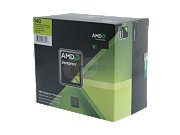 |
| AMD Athlon™ II X2 245 Box |
ADX245OCGQBOX |
$ 65.00 |
N/A |
$ 60.99 |
 |
| AMD Athlon™ II X3 425 Box |
ADX425WFGIBOX |
$ 76.00 |
N/A |
$ 71.99 |
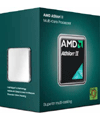 |
| AMD Athlon™ II X4 630 Box |
ADX630WFGIBOX |
$ 108.00 |
$ 99.99 |
$ 108.99 |
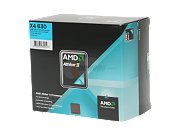 |
| AMD Phenom™ II X4 945 Box |
HDX945FBGIBOX |
$ 150.00 |
N/A |
$ 152.99 |
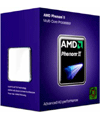 |
| AMD Phenom™ II 965 Black |
HDZ965FBGMBOX |
$ 189.00 |
$ 179.99 |
$ 179.99 |
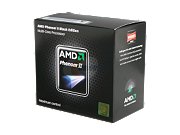 |
| Intel® Celeron™ E3200 |
BX80571E3200 |
$ 50.00 |
$ 34.99 |
$ 51.99 |
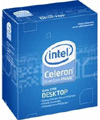 |
| Intel® Pentium® Dual-Core Processor E6300 |
BX80571E6300 |
$ 70.00 |
N/A |
$ 79.99 |
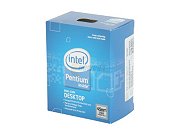 |
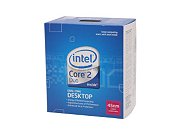
| Intel® Core™ 2 Duo Processor E7500 |
BX80571E7500 |
$ 120.00 |
N/A |
$ 115.99 |
 |
| Intel® Core™ i3-530 |
BX80616I3530 |
$ 119.00 |
$ 99.99 |
& 119.99 |
 |
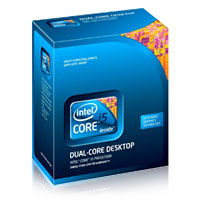
| Intel® Core™ i5-650 |
BX80616I5650 |
$ 189.00 |
$ 149.99 |
$ 184.99 |
 |
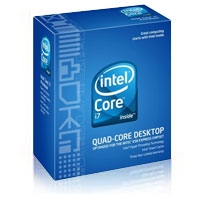
| Intel® Core™ i7-920 |
BX80601920 |
$ 288.99 |
$ 199.99 |
$ 288.99 |
 |
This is a quick view of most styles of processors available. Most of the brands shown here are the low end of their styles. Such as the Intel® Core™ i7 has a 975 version that runs for $ 799.99 (microcenter) - $ 999.00 (frys). But with the price
difference you will also see a difference in options and performance available. I listed all of these to show the basic idea to the extent of choices that are available. Do I feel everyone should run out and buy the newest version of the i7? No, I feel that
the i7 would be more powerful than a basic computer would need.
|
|
Prices at: |
|
| Product name |
Model |
Fry's |
Microcenter |
Newegg |
Pictures and link for details. |
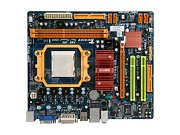
| BioStar TA785G3 AMD 785G AM3 Motherboard |
TA785G3 |
$ 69.99 |
N/A |
$ 51.99 |
 |
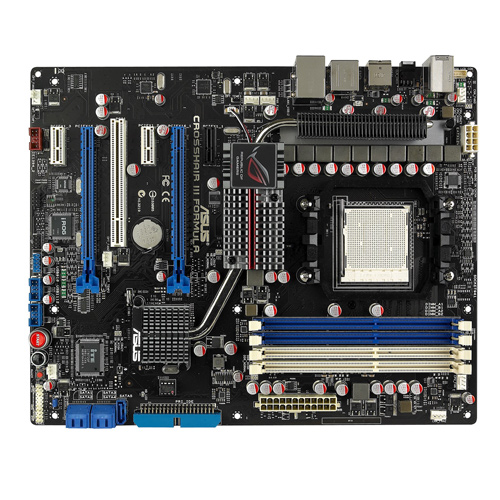
| ASUS Crosshair III Formula AMD 790FX AM3 Motherboard |
Crosshair III Formula |
$ 204.99 |
N/A |
$ 199.99 |
 |
| BioStar G41-M7 Intel G41 775 Motherboard |
G41M7 |
$ 49.99 |
$ 59.99 |
$ 54.99 |
 |
| Gigabyte GA-EP43-UD3P Intel P45 775 Motherboard |
GA-EP43-UD3P |
$ 134.99 |
N/A |
$ 97.99 |
 |
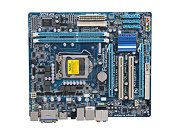
| Gigabyte GA-H55M-S2H LGA 1156 H55 ATX Motherboard |
GA-H22M-S2H |
$ 89.99 |
$ 79.99 |
$ 89.99 |
 |
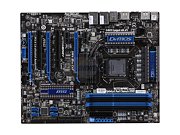
| MSI Big Bang Trinergy Intel i5 i7 P55 1156 Motherboard |
Big Bang Trinergy |
$ 349.99 |
N/A |
$ 329.99 |
 |
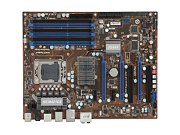
| MSI X58 Pro-E Intel X58 i7 1366 Motherboard |
X58 Pro-E |
$ 189.99 |
N/A |
$ 189.99 |
 |
| ASUS P6X58D Premium Intel i7 X58 1366 Motherboard |
P6X58D Premium |
$ 299.99 |
N/A |
$ 309.99 |
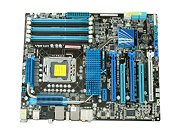 |
Here I have listed multible motherboards that work with all the processors listed above. As you can see the prices of these items have much variety according to price and options. Now that hopefully you have chosen
a motherboard and processor next step would be choosing memory for your computer. Next we'll look at some RAM (Random Access Memory).
|
|
Prices at: |
|
| Product name |
Manufacturer |
Fry's |
Microcenter |
Newegg |
Pictures and link for specifications |
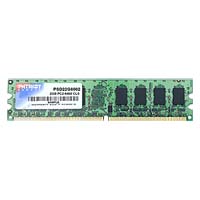
| 2GB DDR2 PC6400 MEMORY |
Patriot |
$ 49.99 |
$ 59.99 |
$ 40.99 |
 |
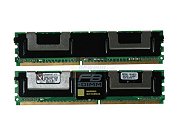
| DDR2 2GB PC5300 FB ECC DUAL KINGSTON |
Kingston |
$ 89.99 |
N/A |
$ 137.99 |
 |
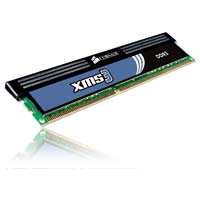
| Corsair 4GB DDR3 1600MHz Desktop Memory |
Corsair |
$ 119.99 |
$ 149.99 |
$ 109.99 |
 |
| Corsair DDR3 4GB 1600 DUAL GT |
Corsair |
$ 199.99 |
$ 219.99 |
$ 212.99 |
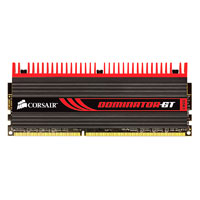 |
These are just some examples of RAM that is available. These few should be able to work in all the motherboards that are listed above. Some were for the DDR2 and some were for the DDR3 depending on the
application you choose to use. Next we cover a couple of hard drives that will work with all of these.
|
|
Prices at: |
|
| Product name |
Manufacturer |
Fry's |
Microcenter |
Newegg |
Pictures and link for specifications |
| Western Digital Caviar SE16 320GB |
Western Digital WD3200KSRTL |
$ 59.99 |
N/A |
$ 64.99 |
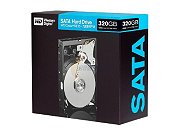 |
| 500GB SERIAL ATA/300 7200RPM 16MB BUFFER HARD DRIVE |
Western Digital WD5000AAKS |
$ 59.99 |
$ 49.99 |
$ 55.99 |
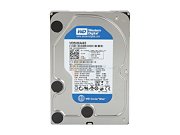 |
| WESTERN DIGITAL CAVIAR BLACK 640GB |
Western Digital WD6401AALS |
$ 79.99 |
N/A |
$ 74.99 |
 |
| WESTERN DIGITAL CAVIAR GREEN 750GB |
Western Digital WD7500AADS |
$ 69.99 |
$ 72.99 |
$ 69.99 |
 |
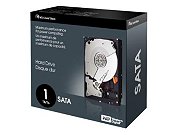
| Western Digital Caviar Black 1TB |
Western Digital WD10000LSRTL |
$ 99.99 |
$ 104.99 |
$ 104.99 |
 |
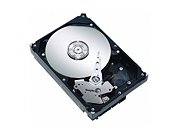
| Seagate Barracuda 1.5TB |
Seagate ST315005N4A1AS |
$ 114.99 |
$ 99.99 |
$ 144.99 |
 |
| Western Digital Green Power 2TB |
Western Digital WD20000CSRTL |
$ 179.99 |
$ 179.99 |
$ 189.99 |
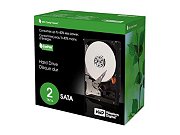 |
Here was just a few Hard drives that are available. I placed all these to show the difference in size available for an internal hard drive. All of these hard drives will work with any Motherboard shown above. Next we will see just a couple
of cd rom and dvd roms.
|
|
Prices at: |
|
| Product name |
Part Number |
Fry's |
Microcenter |
Newegg |
Pictures and link for specifications |
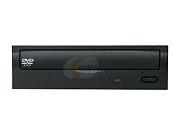
| ASUS OEM DVD-ROM |
E818A4 |
$ 19.99 |
N/A |
$ 17.99 |
 |
| LITE-ON 24X SATA DVD-RW |
iHAS324-98 |
$ 39.99 |
N/A |
$ 29.99 |
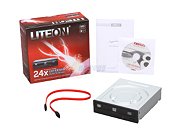 |
| ASUS 4X BLU-RAY ROM |
BR-04B2T |
$ 79.99 |
N/A |
$ 64.99 |
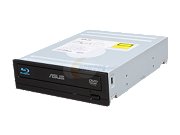 |
| PLEXTOR BLURAY WRITER 12X WRITE SPEED |
PX-B940SA |
$ 279.99 |
N/A |
$ 249.99 |
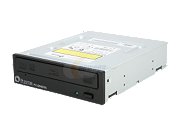 |
This is just a small selection of DVD/CD roms that are available. It does show the range of prices available from regular DVD to Blu-Ray DVD. Next up, Lets see about some video cards. Here I will only
show 2 with Nvidia and 2 with ATI to allow you to see the difference in performance and brand specifications.
|
|
Prices at: |
|
| Product name |
Part Number |
Fry's |
Microcenter |
Newegg |
Pictures and link for specifications |
| GeForce 210 512MB DDR2 PCIe 2.0 x16 Graphics Card |
BFGE210512D2E |
$ 29.99 |
$ 29.99 |
$ 39.99 |
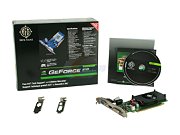 |
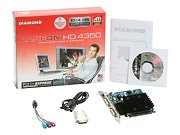
| Stealth Radeon HD 4350 512MB DDR2 PCIe Graphics Card |
4350PE1G |
$ 49.99 |
$ 44.99 |
N/A |
 |
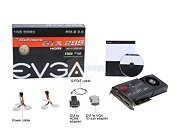
| EVGA GTX285 2GB PCI-Express 2.0 Graphics Card |
01G-P3-1180-AR |
$ 419.97 |
N/A |
$ 389.99 |
 |
| Diamond Radeon HD5970 2GB PCI-Express Video Card |
5970PE52G |
$ 649.99 |
N/A |
$ 699.99 |
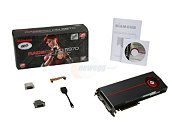 |
Here I listed from the minimum amount to the max amount. Yes, I did find some more pricey than the Radeon HD5970. This was to give you a chance to view a few options that are available. I don't see any reason to spend
$ 650 on a video card if all you are doing is book reports. I personally have not found any application that would require that powerful of a video card.
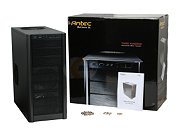
Ok now lets talk about what you will house all of this hardware in, a tower or case. Here are a few to look at. Be aware if your motherboard is a micro board or not. If not then you may be limited to a longer case to
hold the motherboard in.
|
|
Prices at: |
|
| Product name |
Part Number |
Fry's |
Microcenter |
Newegg |
Pictures and link for specifications |
| Antec Three Hundred Mid Tower ATX Computer Case |
Three Hundred |
$ 49.99 |
$ 49.99 |
$ 59.95 |
 |
| Apevia X-QPACK2 Silver mATX Computer Case |
X-QPACK2-AL/500 |
$ 89.99 |
N/A |
$ 98.99 |
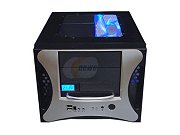 |
| Element G Black Gaming Tower Case |
VL10001W2Z |
$ 129.99 |
$ 119.99 |
$ 130.49 |
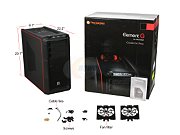 |
| Antec Skeleton Open Air ATX Computer Case |
Skeleton |
$ 149.99 |
$ 179.99 |
$ 149.99 |
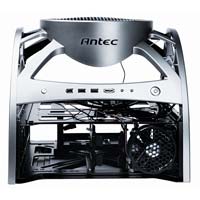 |
Now that that is all done. Lets continue.